Saving files and handling conflicts
Free Text Editor is designed to work safely with your Google Drive™ files. Because it is a traditional file editor, it does not support multi-user collaborative editing, like Google Docs™. Instead, it uses a robust version-checking flow that ensures you never accidentally overwrite someone else’s work.
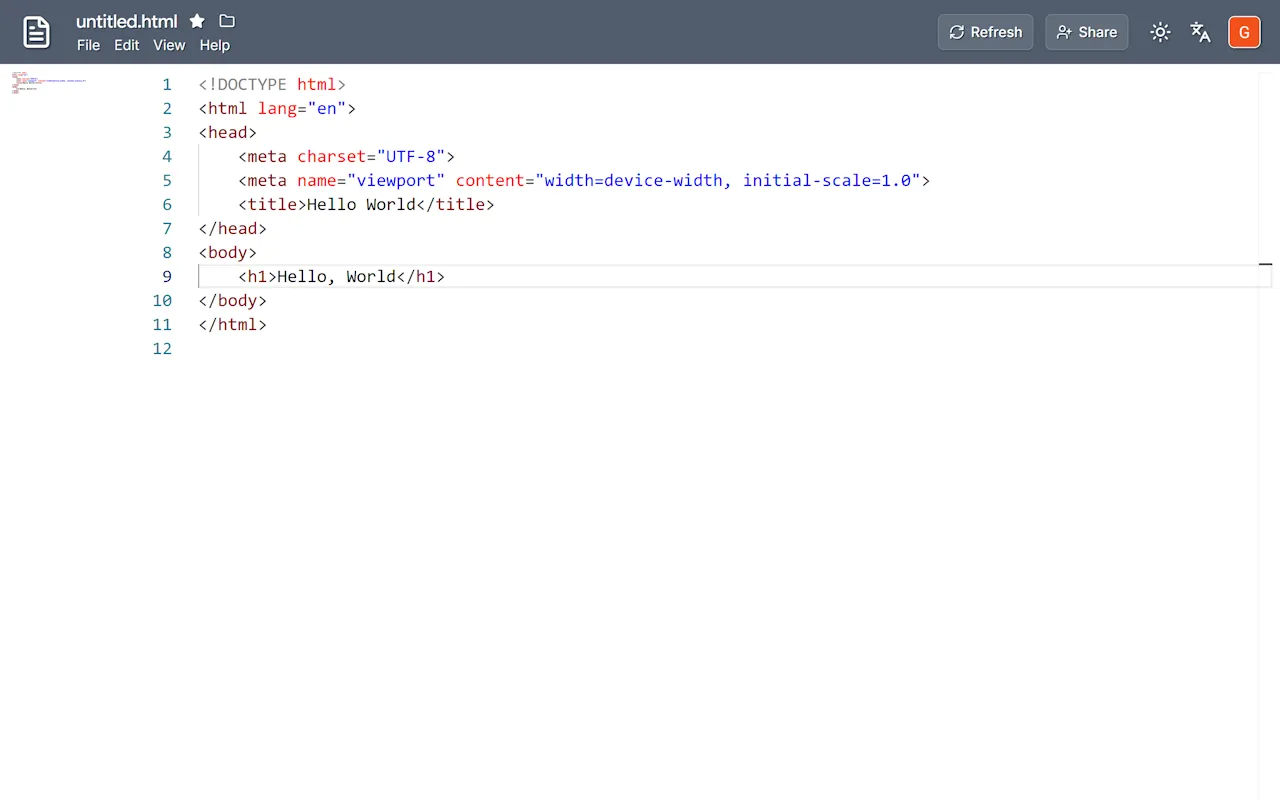
Standard saving
Section titled “Standard saving”When you open a file, Free Text Editor remembers its exact version history. When you save your changes, the application briefly communicates with Google Drive™ to verify if the underlying file has been modified since you opened it.
If no external changes are detected, your file saves normally.
Conflict detection
Section titled “Conflict detection”If another user (or you, working in a different browser tab) modifies and saves the file while you are editing it, Free Text Editor will detect the version change. To prevent data loss, it will automatically switch into diff mode.
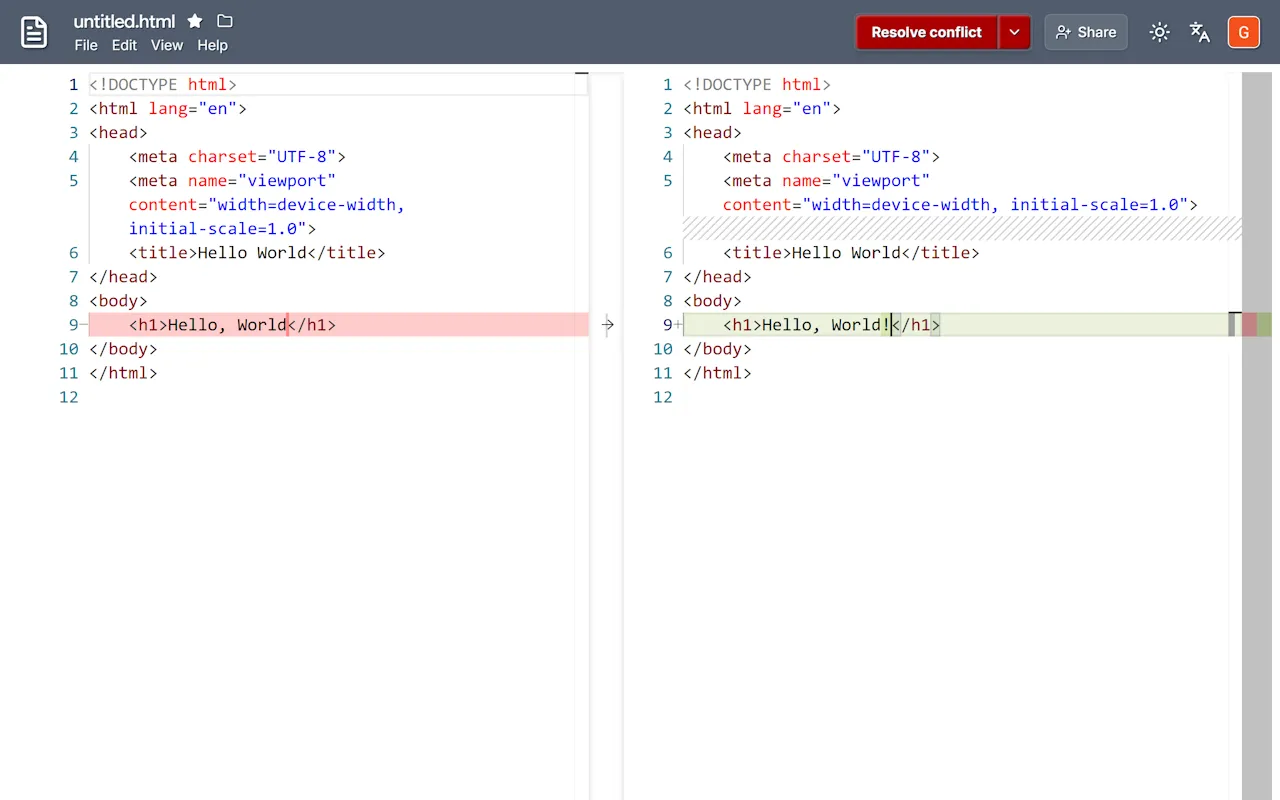
Diff mode uses a side-by-side comparison interface to help you review and merge the two sets of changes.
Resolving and merging changes
Section titled “Resolving and merging changes”When presented with a version conflict, you have complete control over how to handle it:
-
Reviewing changes: The left pane displays the most recent version of the file currently saved on Google Drive™. The right pane displays your current, unsaved version. Highlighted sections indicate exactly where the text differs.
-
Manual merging: You can edit the text directly in the right-hand pane, allowing you to manually pull in the new changes from the left while keeping your own edits.
-
Recursive safety: Once you click to save the resolved file, the app performs another version check. If the file was changed again while you were merging, Diff Mode will safely trigger again.
-
Discarding your edits: If you review the conflict and decide you no longer need your local changes, you always have the option to undo all of your changes. This will discard your unsaved work and reload the latest version from Google Drive.